
Documents
Mobile App
PC App
Drivers
Authorized Dealers
User Manuals
CP210X
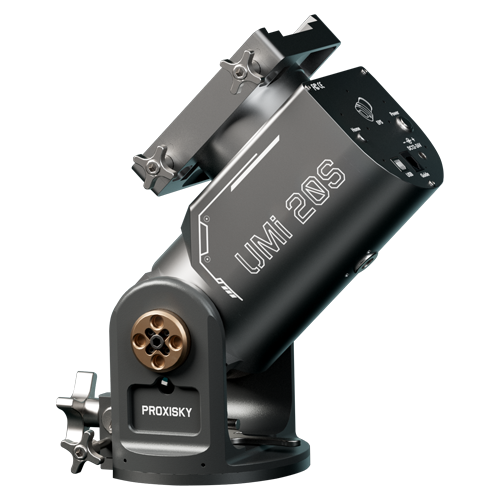
UMi 20S User Manual
This document contains product overview, installation and use, software connection, and after-sales warranty of the UMi 20S Servo Strain Wave Gear Equatorial Mount.
CP210X
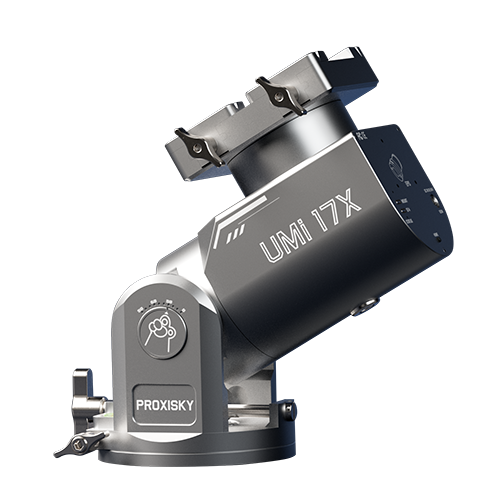
UMi 17X User Manual
This document contains product overview, installation and use, software connection, and after-sales warranty of the UMi 17X Servo Strain Wave Gear Equatorial Mount.
CP210X
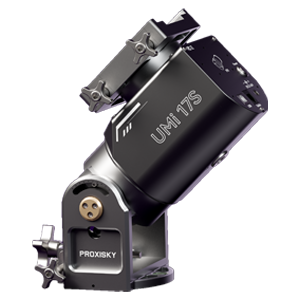
UMi 17S User Manual
This document contains product overview, installation and use, software connection, and after-sales warranty of the UMi 17S Servo Strain Wave Gear Equatorial Mount.
CP210X
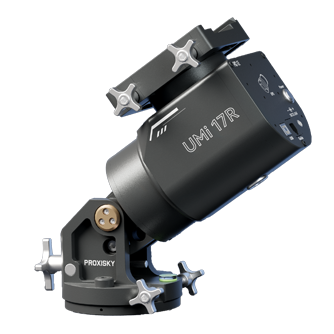
UMi 17R User Manual
This document contains product overview, installation and use, software connection, and after-sales warranty of the UMi 17R Servo Strain Wave Gear Equatorial Mount.
CP210X
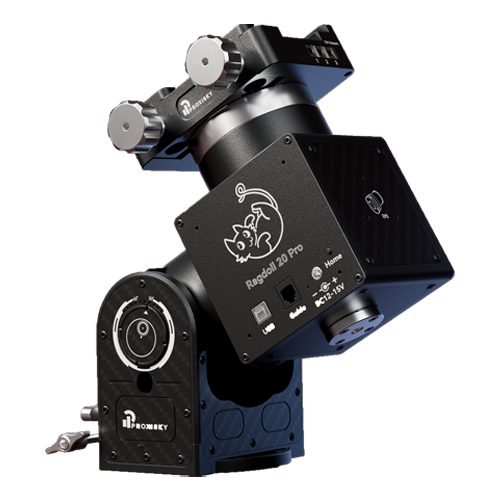
Ragdoll Pro User Manual
This document contains product overview, installation and use, software connection, and after-sales warranty of both the Ragdoll 17 Pro and Ragdoll 20 Pro Strain Wave Gear Equatorial Mount.
CP210X
「2025」Ragdoll User Manual
This document contains product overview, installation and use, software connection, and after-sales warranty of both the 2025 Ragdoll 17 and 2025 Ragdoll 20 Strain Wave Gear Equatorial Mount.
CP210X
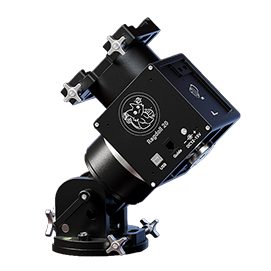
Ragdoll User Manual
This document contains product overview, installation and use, software connection, and after-sales warranty of both the Ragdoll 17 and Ragdoll 20 Strain Wave Gear Equatorial Mount.
CP210X
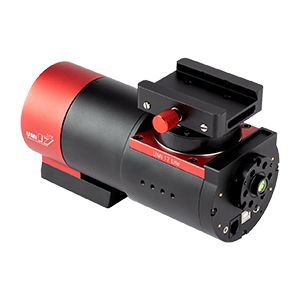
UMi 17 Lite User Manual
This document contains product overview, installation and use, software connection, and after-sales warranty of the UMi 17 Lite Strain Wave Gear Equatorial Mount.
CP210X
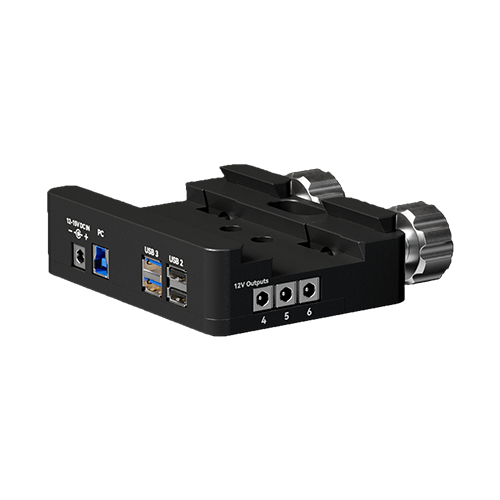
Proxisky Saddle Hub Installation Guide
This document contains product overview, installation and use, and after-sales warranty of the Proxisky Saddle Hub.
CP210X
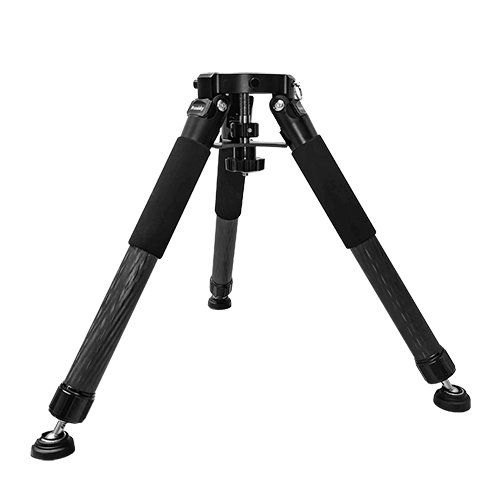
Proxisky CF40 Tripod Installation Guide
This document contains product overview, installation and use, mount connection, and after-sales warranty of the Proxisky CF40 Tripod.
Additional Guides
CP210X
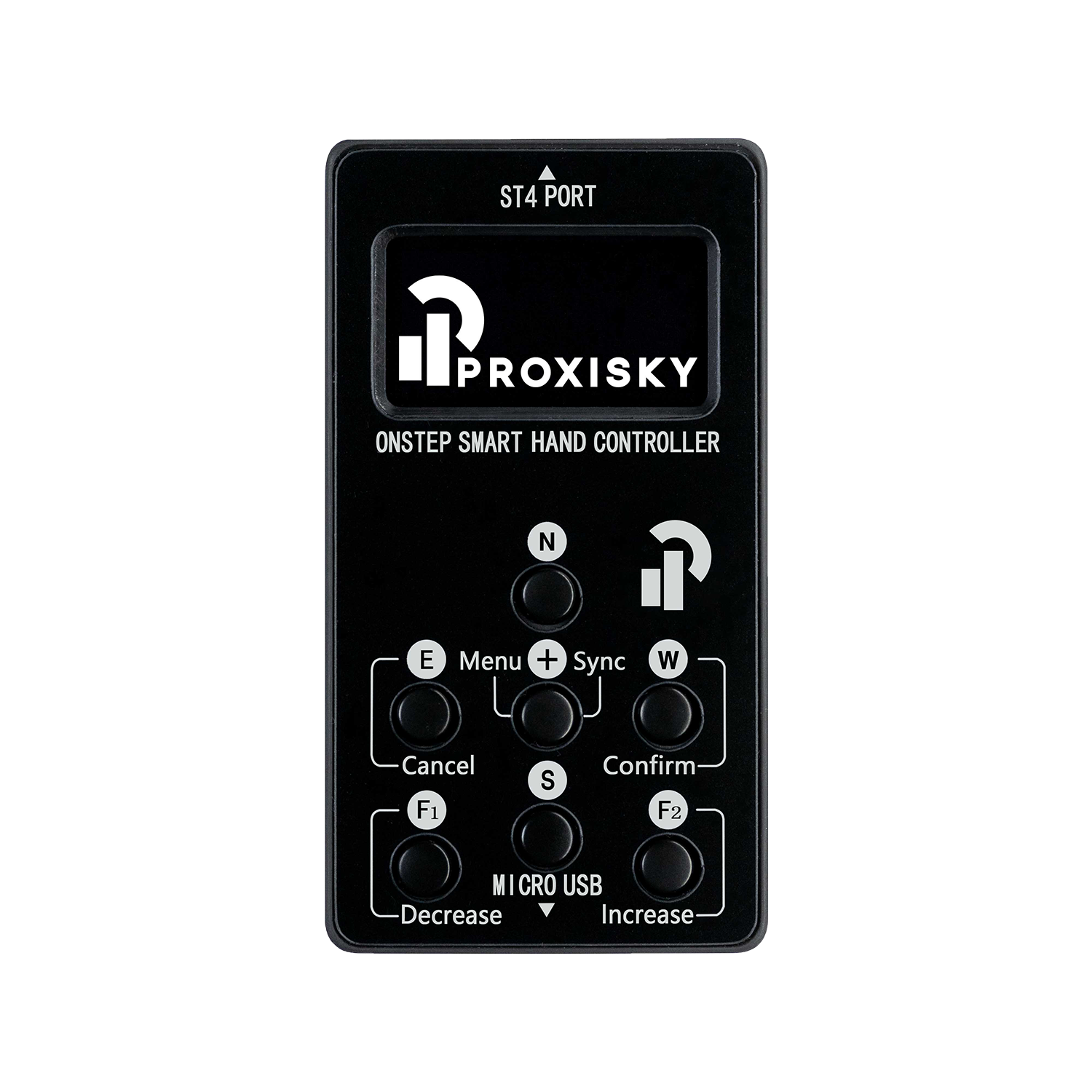
Proxisky ST4 Hand Controller Guide
A user guide to the Proxisky ST4 Hand Controller.
CP210X
UMi Mount App Guide
A general guide to the UMi Mount app and its features.
CP210X
Setup Guide (NINA)
Instructions on setting up Proxisky mounts, and settings required in NINA.
CP210X
PHD2 Guide
A general guide to calibration and recommended settings in PHD2.
Warranty Policy

We offer a comprehensive two-year warranty to ensure you enjoy worry-free protection during use. The warranty period begins on the actual date you receive the product, covering all possible quality issues to ensure that your interests are fully protected.


During the warranty period, we promise to repair or replace products with quality issues for free, including but not limited to firmware upgrades, sending replacement parts, factory repairs and exchanges, to ensure your experience is optimal. However, our warranty service has some limitations. Specifically:


(1) Accidental damage caused by improper handling, such as dropping or collisions, is not covered by warranty;

(2) Damage resulting from misuse, and not following the product manual or user guides, is not covered by warranty;

(3) Damage resulting from unauthorized disassembly, third-party repairs, modifications, firmware flashing, etc., without written approval from Proxisky’s official after-sales, is not covered by warranty;

(4) Damage resulting from operation in unsuitable environments, such as water immersion or rain exposure, is not covered by warranty;

(5) Damage resulting from irresistible external forces, such as earthquakes, is not covered by warranty;

(6) Products without purchase records from official Proxisky website or authorized dealers are not covered by warranty.


For products beyond the two-year warranty period, we can offer paid repair services. Please contact your seller directly if your products are not ordered and purchased from our official website.


For product quality issues, we provide warranty service for products within the warranty period. If you encounter problems during use and need warranty service, please contact us. We will provide the appropriate solution based on the nature of the problem, such as firmware upgrades, sending replacement parts, factory repairs, and exchanges. After-sales support mentioned above is only available to products purchased from official Proxisky website and authorized dealers.


In terms of international shipping, if you discover obvious deformation or damage to the product’s shipping packaging upon receipt, please contact us via official Discord server or email. After confirmation, you can refuse to accept the product and have the carrier return it, and we will provide return or exchange services. If you discover damage to the product after signing for it, please also need to provide proof of the product’s external packaging or a third-party certificate from the carrier. After verification and confirmation that the damage was caused during transportation, we will provide the corresponding return or exchange service as well.


We always strive to provide high-quality products and excellent service to our customers. Our warranty policy is our commitment to our customers, ensuring you receive the highest level of protection while using our products.

UMi/Ragdolls Mounts
UMi Mount
V1.2.5: Added support and Dec Limit for UMi 17X, LED indicator switch, and redesigned home page.
For iOS
V1.2.5
Download
For Android
V1.2.5
Download
UMi 17 Lite Only
MeowGoto
V1.0.7: Fixed a bug where longitude cannot be stored, added length requirement for WiFi password.
For iOS
V1.0.7
Download
For Android
V1.0.7
Download
PC App
Proxisky Center
PC app for the latest Proxisky mounts
V1.0.3: Added support and Dec limits for UMi 17X, LED indicator switch, preferred pierside and compensated tracking rate settings.
For Windows
V1.0.3
Download
Windows
Download and install the serial port driver CP210X or CH341SER.
Download and install the ASCOM Platform.
Choose and install one of the OnStep ASCOM Drivers listed below.
CP210X串口驱动
CP210X Serial Driver
For all currently available UMi and Ragdoll mounts. Windows can only recognize your mounts after installation.
CP210X串口驱动
CH341SER Serial Driver
For UMi 17 and UMi 17SE only. Windows can only recognize your mounts after installation.
ASCOM 66 驱动
ASCOM Platform
ASCOM platform is required to use most astronomical equipments on Windows.
OnStep Telescope 驱动
OnStep ASCOM Driver v1.0.40 (3.16)
Built-in OnStep sync rejection upon incorrect platesolves. "Primary reversed" is required in NINA.
OnStep Telescope 驱动
OnStep ASCOM Driver 3.15
Not reocmmended for mounts without supervised safety features or physical home/limit sensors.
MacOS
Install the CP210X serial port driver before MacOS can identify your mounts. Kstars is available as an astrophotography software option.
CP210X
CP210X Serial Driver
For all currently available UMi and Ragdoll mounts. Windows can only recognize your mounts after installation.
kstars
Kstars
Astrophotography software for macOS and Linux
Linux
The CP210X driver has been distributed as part of the Linux kernel since v2.6.12, thus no need to download further files to detect the mount. Kstars is available as an astrophotography software option.
kstars
Kstars
Astrophotography software for macOS and Linux
Authorized Dealers
kstars
Dark Clear Skies UK
Founded in 2021 – A family-run independent astronomy retailer, guided by a passion for the night sky.
kstars
Cygnus Star Astro FR
Un Matériel Différent pour un Univers Différent.